
As an aspiring digital nomad who spends a fair amount of time mitigating technical and digital risks, I often find myself in airports, hotels, and cafés noticing just how vulnerable people’s devices and personal information can be. Many travelers unknowingly expose sensitive personal, financial, and other information simply through the way they connect to the internet.
I am in no way trying to scare you away from travel. To the contrary! Traveling presents a fantastic opportunity to explore new places, participate in cultural exchange, and ultimately to create memories you can cherish for a lifetime. In fact, travel does have many positive effects on the brain as a result of new experiences. My intent in this article is to empower you to mitigate potential issues, because when the trip ends, it is better for our memories of the travel experience to be a good one — not remembering it as “that was the trip my laptop and email were hacked.”
The reality is that most people connect directly to the nearest available Wi-Fi network without giving it much thought. I’ve certainly been guilty of doing the same thing when I’m in a hurry. It’s convenient, and it usually works with little hassle. But convenience doesn’t always translate to the most secure situation.
The good news is that protecting your digital information while traveling doesn’t have to be complicated or expensive. Below, I’ll walk you through six ways to connect to the internet while traveling, from the least secure to the most secure, and explain how a few simple precautions can help you stay connected with greater peace of mind. The good news is that most of the options are low-cost, if not something you already pay for.
If any of the technology or terminology is unfamiliar, please see definitions of these in the later section of this article.
Comparing 6 Ways to Connect to the Internet While Traveling
Public Wi-Fi Only — Low Security
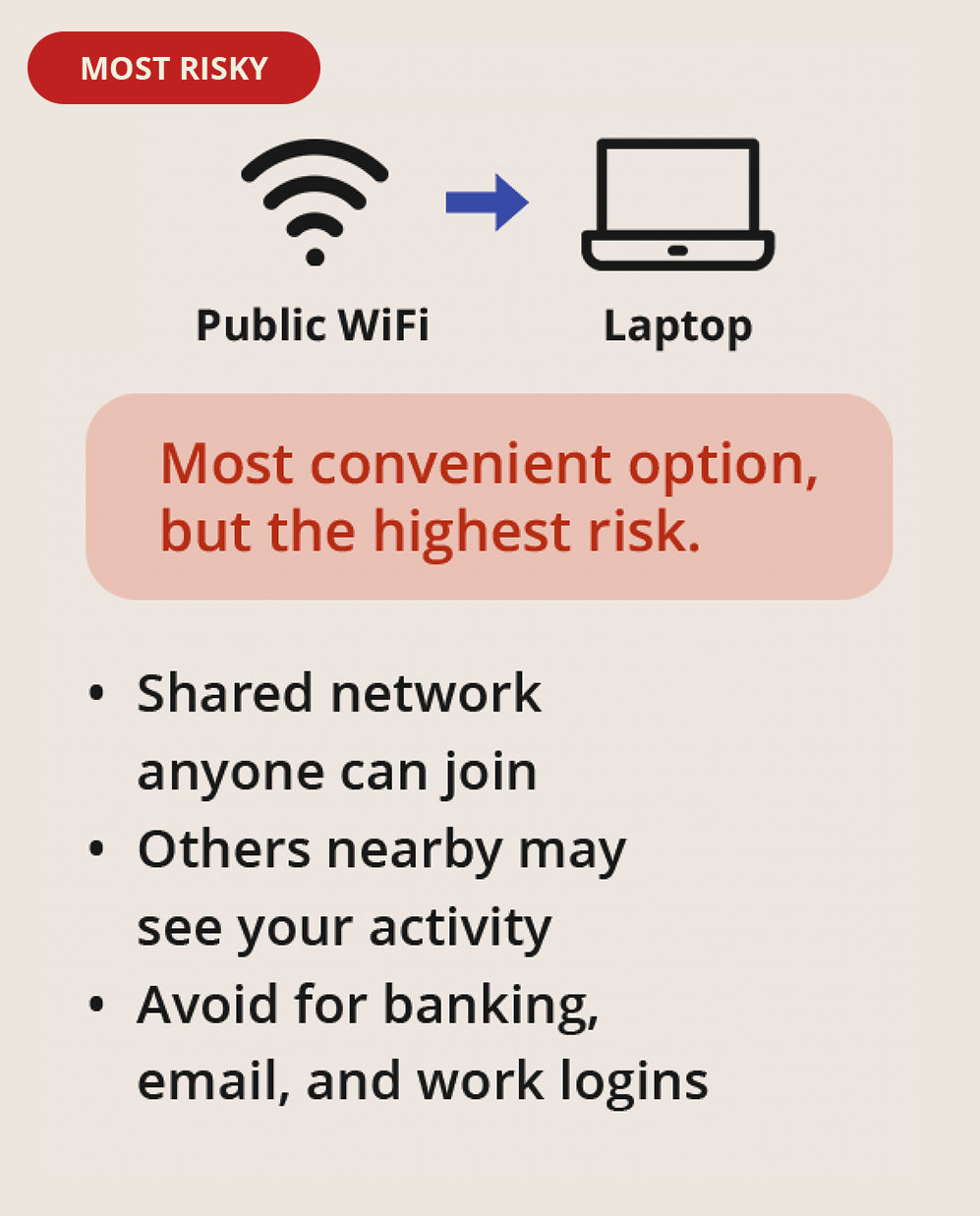 Public Wi-Fi is often the easiest way to get online while traveling, especially in airports, hotels, and cafés. However, you’re connecting to a network you don’t control, potentially alongside hundreds of other people. I recommend avoiding banking, sensitive work, and other activities involving personal information unless you take additional precautions.
Even when a public network requires a password, that doesn’t necessarily mean your connection is private or protected from other users.
VPN on Public Wi-Fi — Good Security
 Using a VPN while connected to public Wi-Fi adds an important layer of protection by encrypting your internet traffic between your device and the VPN server. This makes it more difficult for others on the same network to monitor your activity. Your device is still connected to the public network, so it’s important to use trusted websites and keep your device updated.
A VPN is a practical, relatively inexpensive security upgrade that you can use almost anywhere you connect to the internet.
Travel Router Only — Good Security
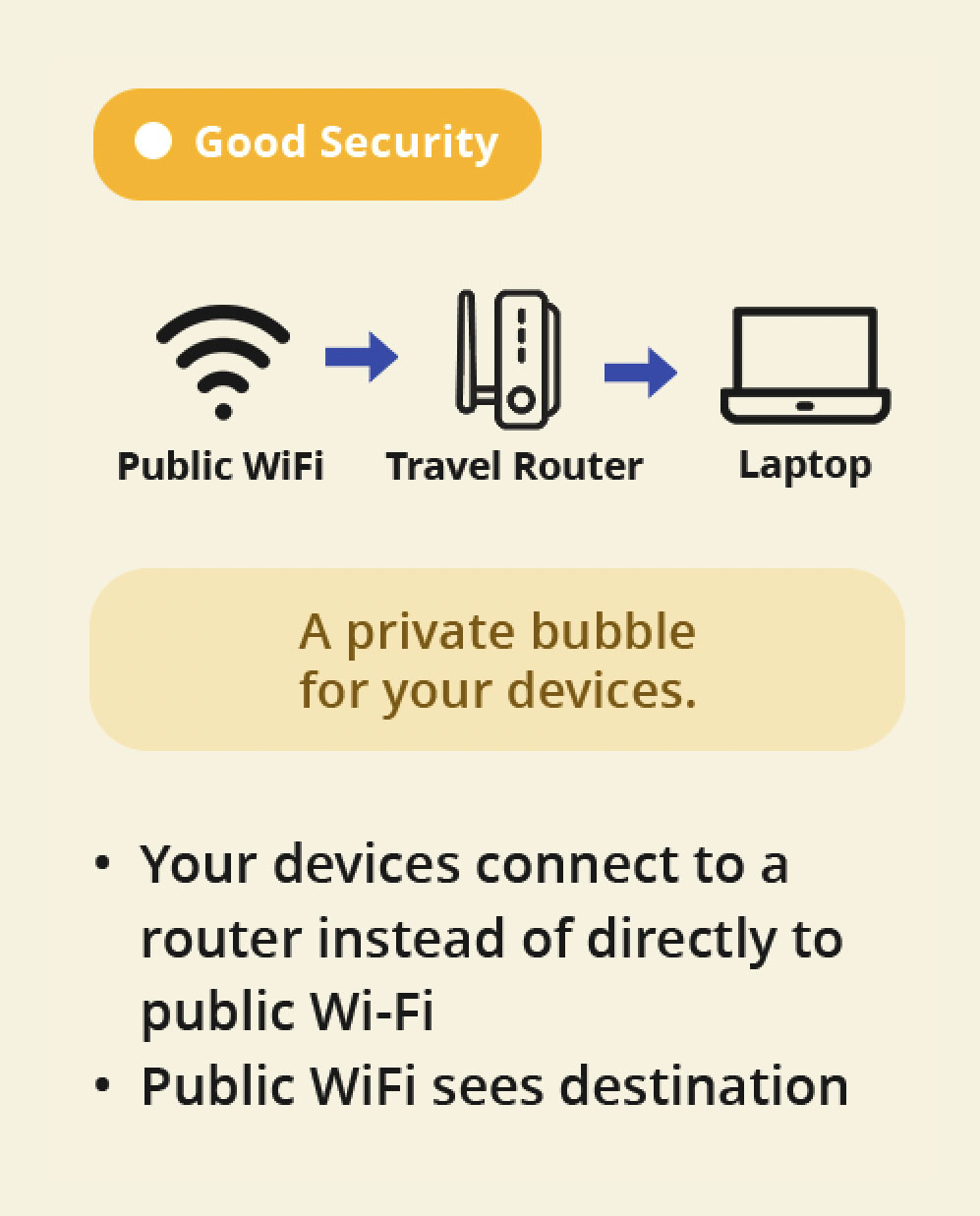 A travel router creates a private, password-protected network for your devices, even when it uses hotel or airport Wi-Fi to access the internet. This helps separate your devices from others on the public network and makes it easier to connect multiple devices securely. However, the public Wi-Fi remains your internet source, and a travel router alone doesn’t necessarily encrypt your internet traffic.
This can be particularly convenient when traveling with multiple devices because you can connect them all to your own network.
Travel Router + VPN — Very Good Security
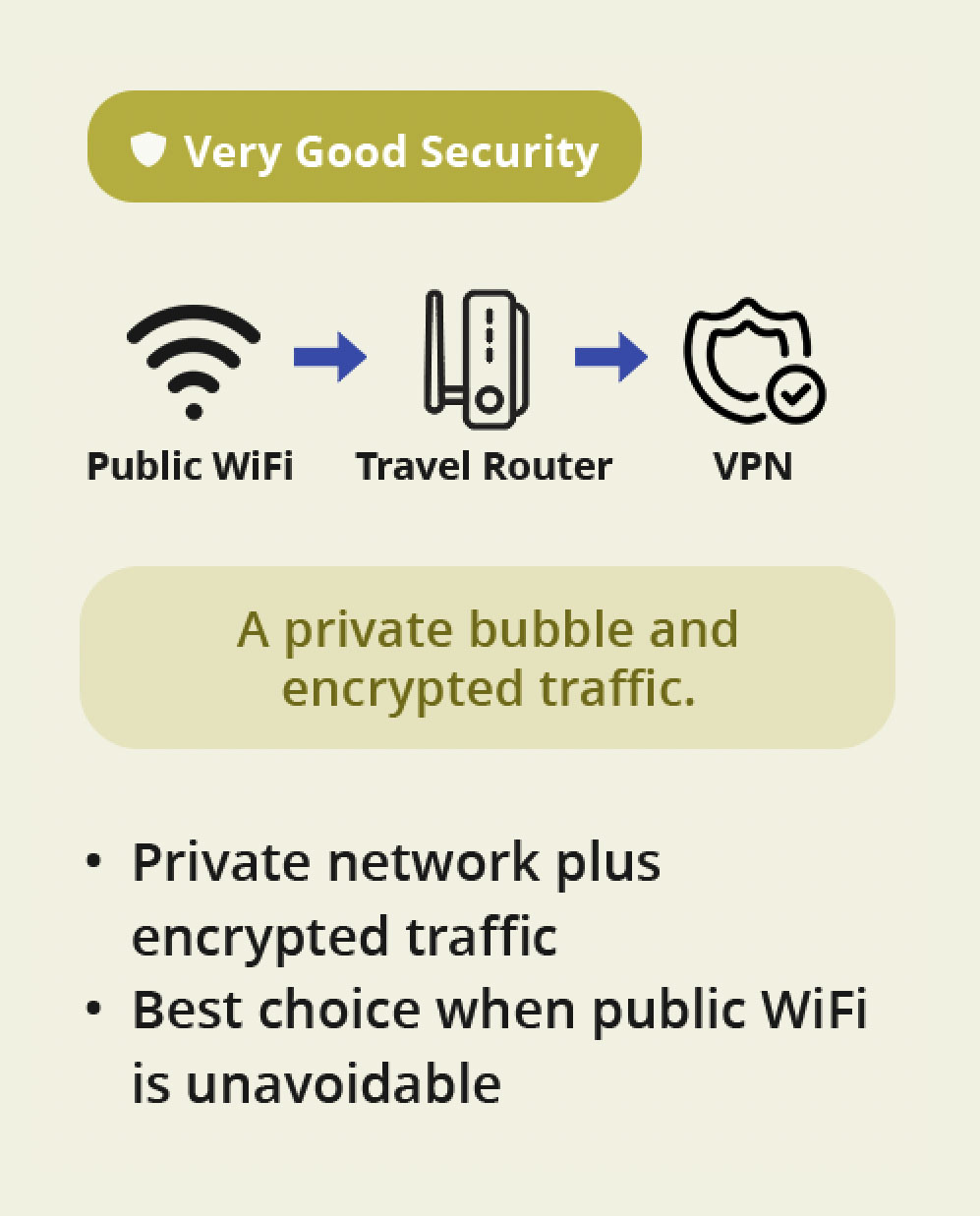 Combining a travel router with a VPN provides both a private network for your devices and encrypted internet traffic. This is an especially useful setup when public Wi-Fi is your only practical internet option. Depending on your travel router, you may even be able to configure the VPN directly on the router to protect multiple connected devices.
I would strongly consider this combination for extended travel, especially when staying in hotels or accommodations where public Wi-Fi is unavoidable.
Mobile Hotspot Only — Very Good Security
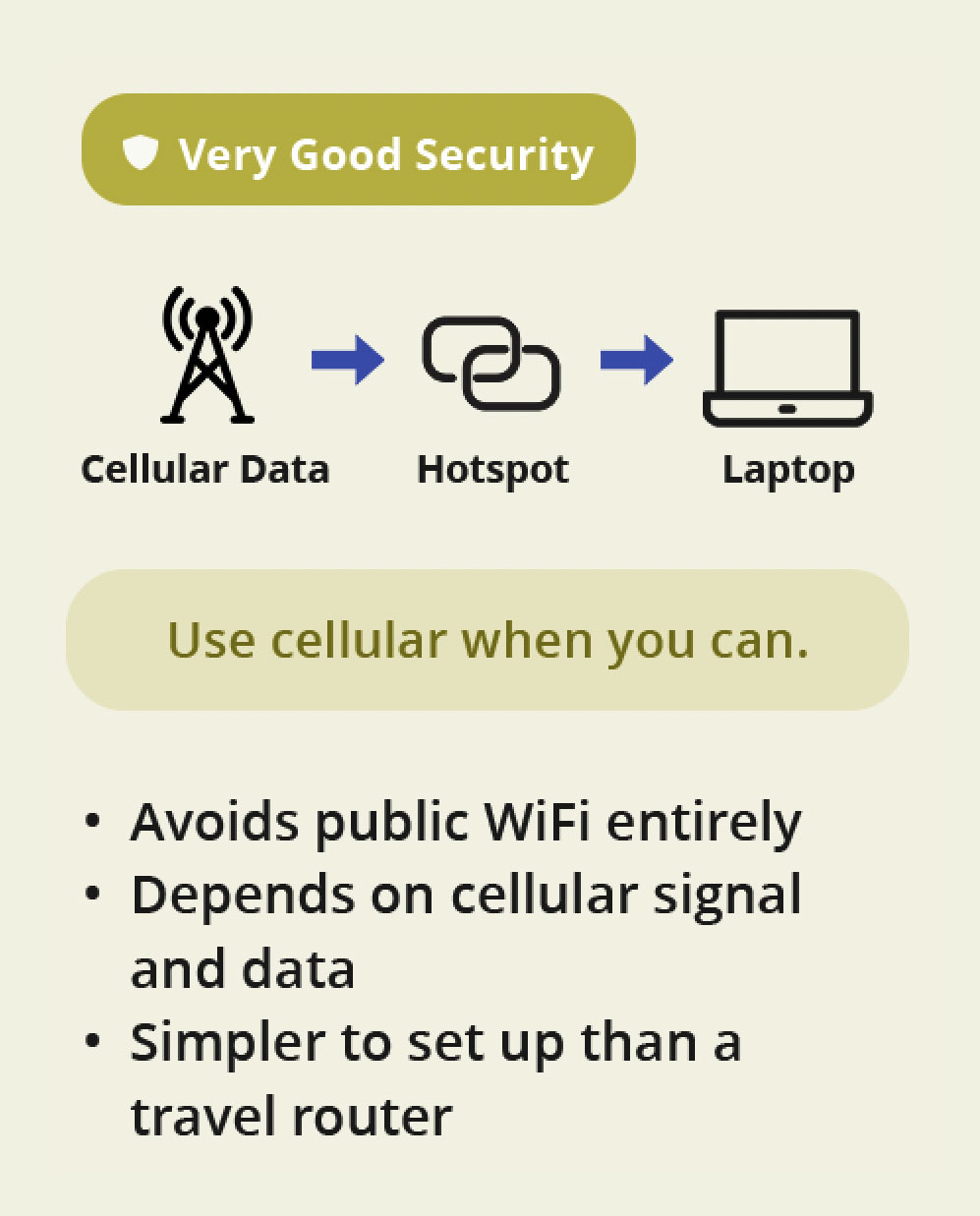 Using your phone’s mobile hotspot allows you to connect your laptop or other devices through your cellular data plan instead of relying on public Wi-Fi. This eliminates many of the risks associated with sharing an unfamiliar network. It’s one of my preferred options when traveling, provided there’s reliable cellular coverage and enough data available through your mobile plan.
Before traveling internationally, check your cellular plan’s roaming charges, hotspot allowances, and available coverage to avoid unexpected expenses.
Mobile Hotspot + VPN — Excellent Security
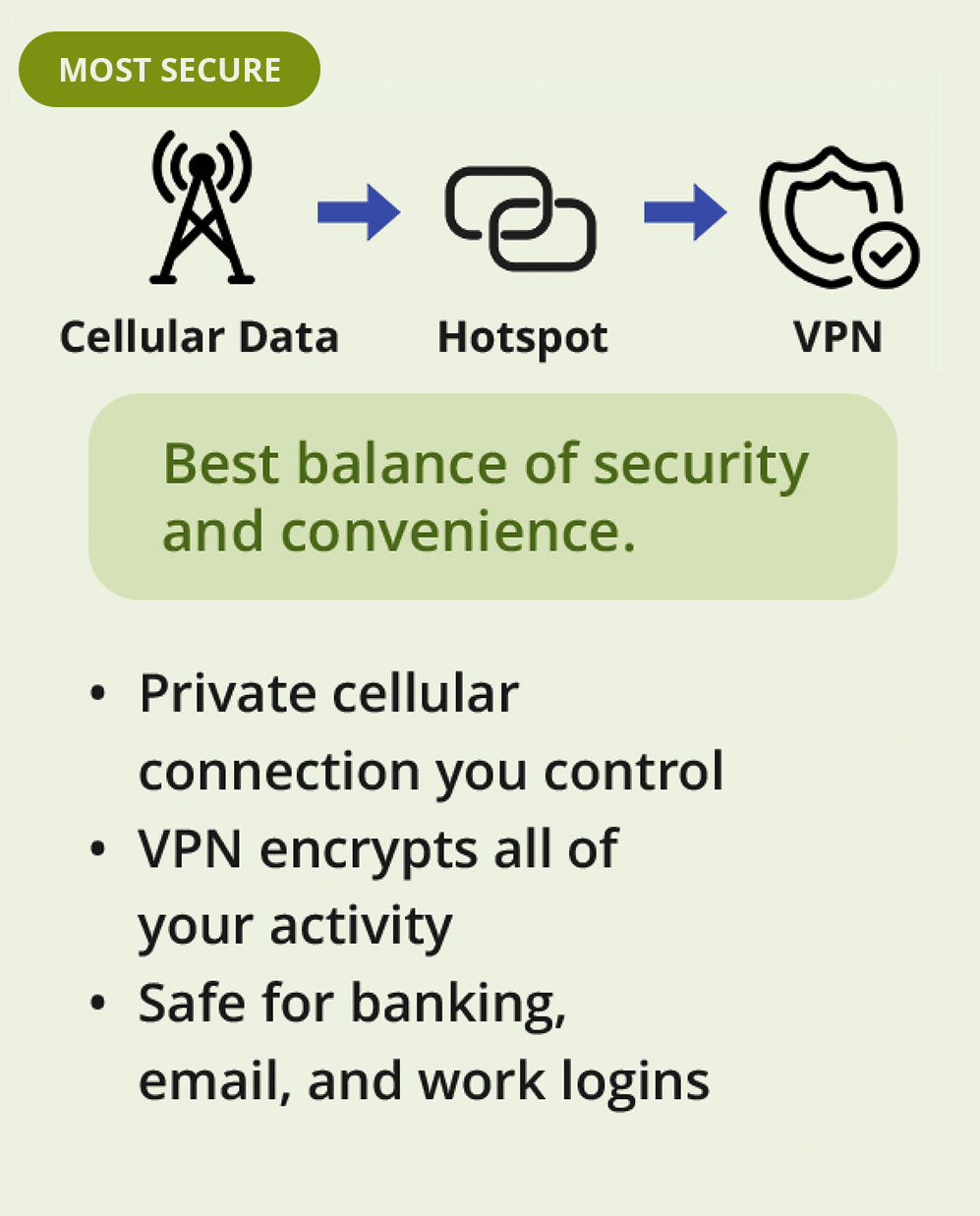 Combining a mobile hotspot with a VPN is one of the strongest practical options for protecting your internet connection while traveling. Your devices use a private cellular connection rather than public Wi-Fi, while the VPN adds another layer of encryption. For activities such as accessing financial accounts, checking work email, or handling sensitive information, this is the setup I would generally recommend when cellular coverage is available.
For travelers who regularly handle sensitive personal or business information, this combination provides an excellent balance of convenience, privacy, and security.
⬇ Download Our Infographic For Future Reference >
Technical Terminology & Topics Defined
What Does Encrypted Mean?
Encryption turns readable information into coded data that unauthorized people can’t easily understand. Think of it as putting your information into a locked box that only someone with the correct key can open. It’s commonly used by secure websites, VPNs, and protected Wi-Fi connections.
What Is Wi-Fi?
Wi-Fi allows your phone, laptop, and other devices to connect to a network without cables. You’ll find it in homes, airports, hotels, and cafés. Wi-Fi itself isn’t necessarily unsafe, but the security of the network you’re connecting to matters.
What Is a Private Network, and How Is It Different From Public Wi-Fi?
A private network limits access to authorized users and devices, much like your home Wi-Fi. Public Wi-Fi is shared with other people, such as guests at a hotel or airport. Even if public Wi-Fi requires a password, that doesn’t necessarily make it private or secure.
What Is a Mobile Hotspot?
A mobile hotspot uses a cellular data connection to provide internet access to your other devices. For example, you can turn on your phone’s hotspot and connect your laptop to it instead of using public Wi-Fi. Most smartphones already have this feature, although your mobile plan may have limitations, or you may need to request this service from your cellular provider.
What Is a VPN?
A VPN (Virtual Private Network) encrypts your internet traffic between your device and a VPN server, making it much harder for others on the same network to monitor your activity. It’s particularly useful on public Wi-Fi and is generally inexpensive and easy to use.
What Is a Travel Router?
A travel router is a small device that creates your own private, password-protected Wi-Fi network, using public Wi-Fi for internet access. For example, it connects to your hotel’s public Wi-Fi, and you connect only your approved devices, such as your phone, laptop, and tablet, to your travel router using your own password. This keeps your devices on a separate network from other hotel guests. Some models also support VPNs for additional security.
Choosing the Right Internet Connection for Your Travels Depending on Your Online Activity
Not every online activity carries the same level of risk. If you are simply checking the weather, looking up a restaurant, or reading about your next destination, then public Wi-Fi carries little risk. However, if you are logging into your email, bank account, files/portals used for work, making purchases, or entering sensitive information into a website form, then I strongly recommend taking additional precautions.
Different Situations Need Different Approaches
While sometimes the “best” option may, at times, be nearly impossible due to the expense of international data plans or unreliable cellular coverage, connecting to a trusted Wi-Fi network in combination with a VPN is a reasonable alternative. If all else fails, consider holding off until you can get to a more secure situation.
Ultimately, my advice is to think about how you will be using the internet before your trip. Rather than trying to figure everything out at the airport, you may want to practice connecting to your mobile hotspot, VPN, and/or travel router before you leave home for your trip.
A Note On Non-Wi-Fi Related Activity: Are Public Charging Ports Safe While Traveling?
While this article is primarily focused on wireless internet connectivity, it is also worth briefly touching on the potential risks of public charging ports (standard plugs and ubs charging). USB connections can transfer both power and data, potentially exposing your device to an attack known as juice jacking. Although uncommon, it is a risk worth avoiding. My recommendation is to use your own wall charger plugged into a standard electrical outlet, carry a portable power bank(best option in my opinion), or use a USB data blocker when connecting to unfamiliar charging stations.
What To Look For
- Prompts asking you to “trust a computer”, “share files”, or “enable transfer” after plugging in, especially when you are only trying to charge your device.
- Loose or damaged ports
- Signs of tampering on or around the outlet or charging area
- Unusual attachments
My Closing Thoughts: Practice Before You Go & Don’t Forget To Have A Good Time!
You don’t need to be an IT expert or carry around expensive equipment to protect your information while traveling. Simply understanding the risks of public Wi-Fi and knowing when to use a VPN, travel router, or mobile hotspot can make a meaningful difference and save you from a myriad of potential headaches. I hope you can make use of the tips above so you can spend less time worrying about your digital security and more time enjoying the places, people, and creating memories that will last a lifetime. Safe Travels!